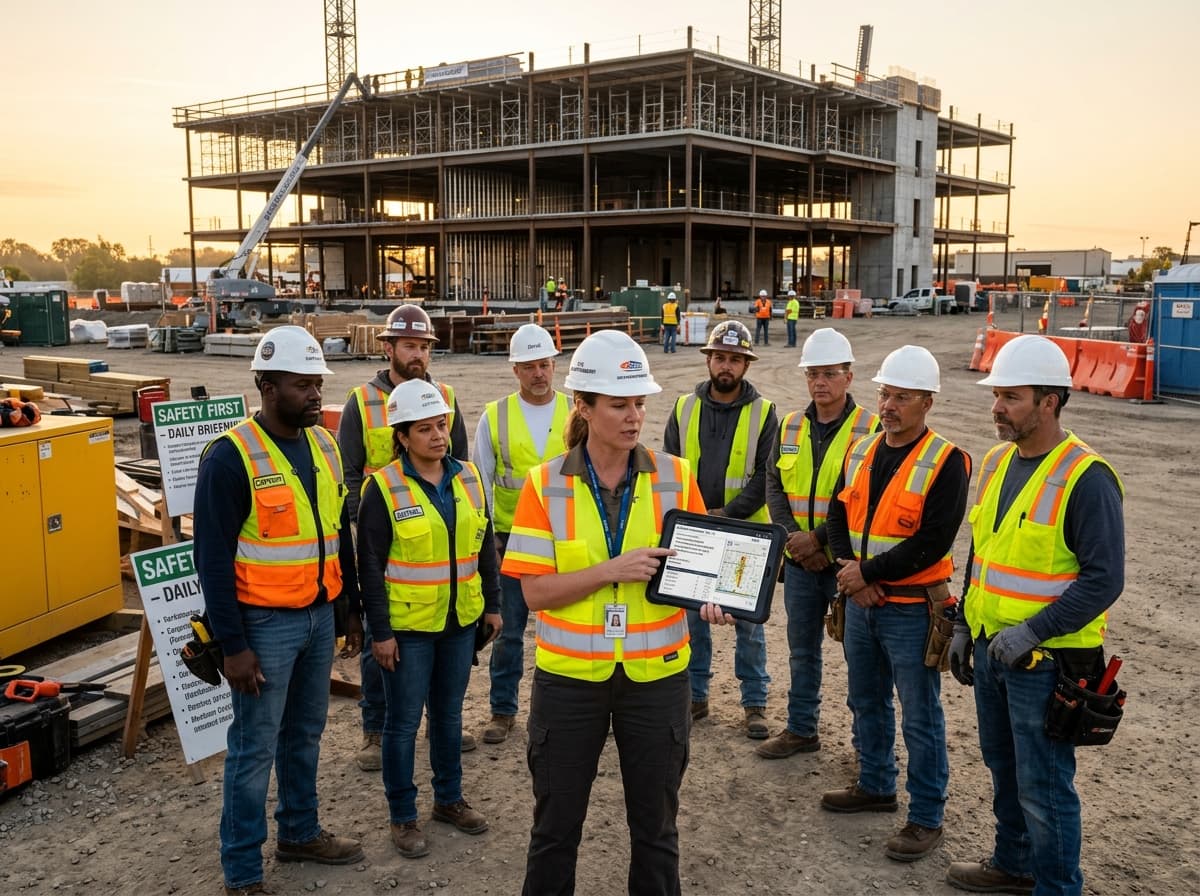
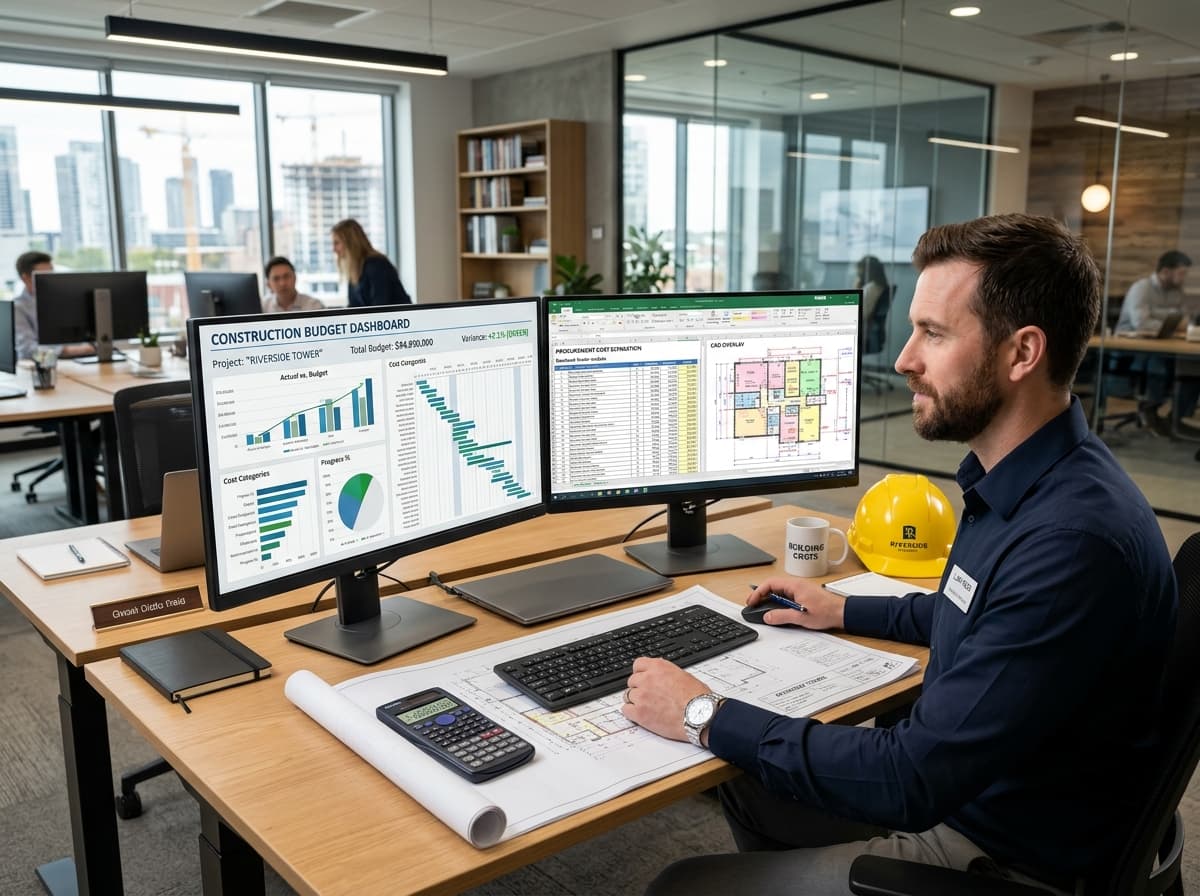
Connected Sites.
Clearer Control.

Construction management software that connects site teams, project managers and office operations from planning through handover.
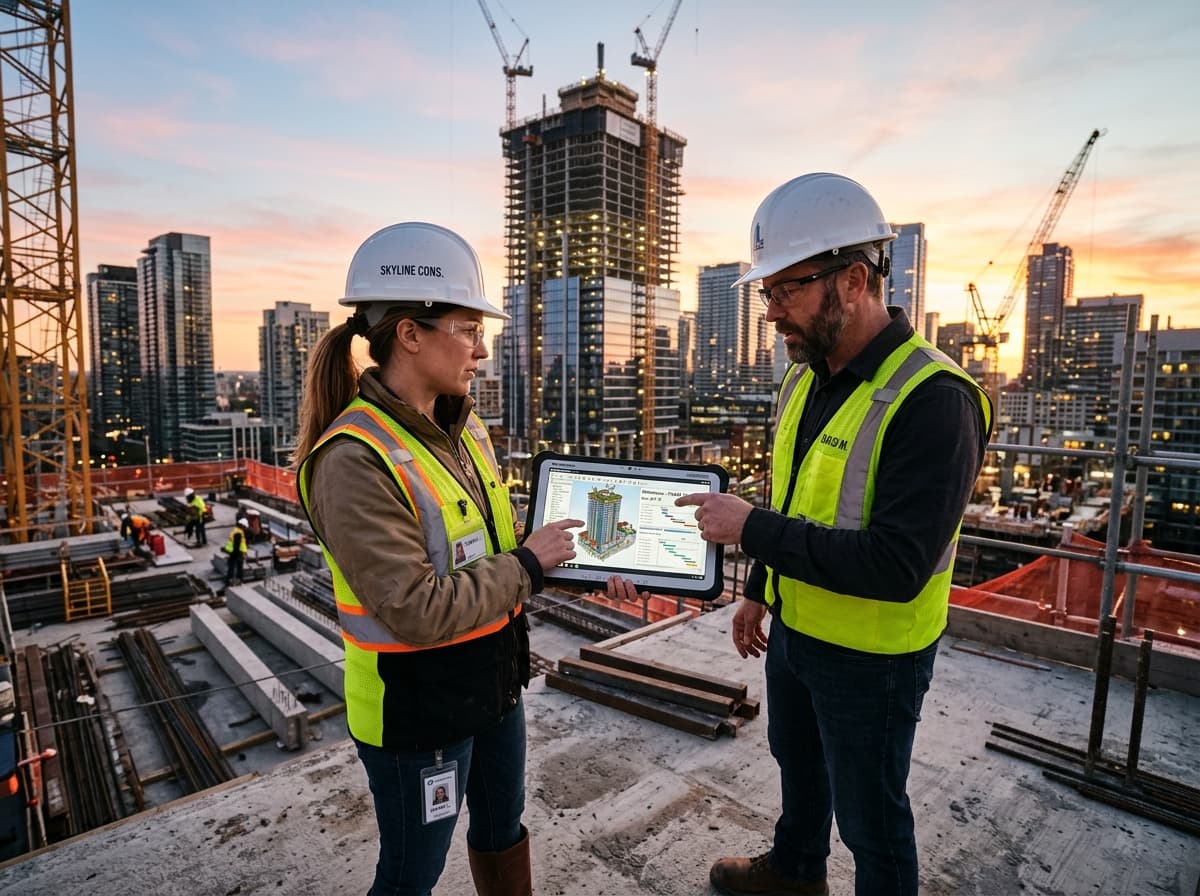
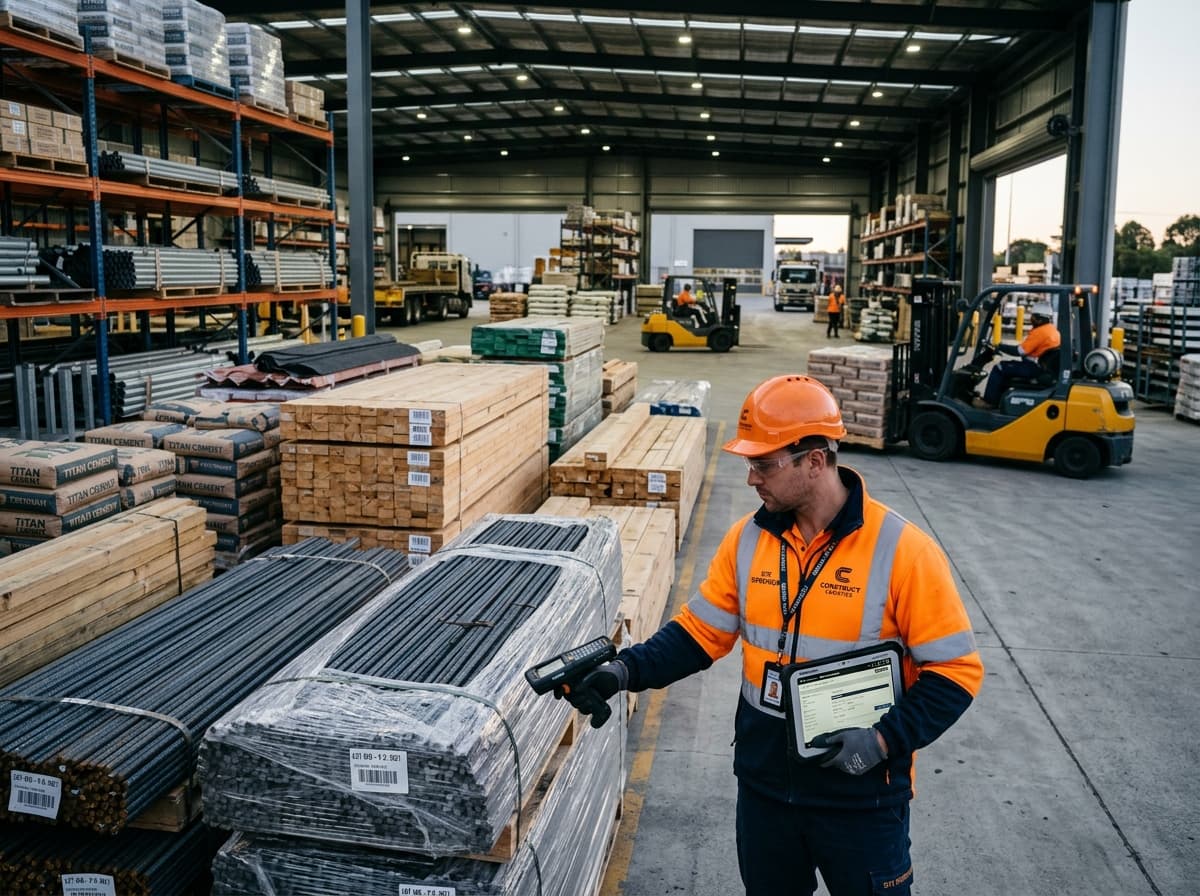
Construction

Built Around the Work Happening on Site

Materials, contractors, schedules and budgets move together on every project. When site updates stay in messages and office records lag behind, small issues become harder to spot and resolve.

Esight develops construction software around your projects and approval structure. Connect field reporting with procurement, resource planning and management dashboards so teams can act on the same information.

  1. Step 1PlanDefine milestones and resources
  2. Step 2ProcureCoordinate materials and suppliers
  3. Step 3Build & TrackRecord progress and changes
  4. Step 4HandoverOrganise project completion

Who We Help

  • 01
    Building contractors
  • 02
    Property developers
  • 03
    Civil engineering firms
  • 04
    Specialist subcontractors
  • 05
    Project management teams

Business Challenges

Close the Gap Between Site and Office

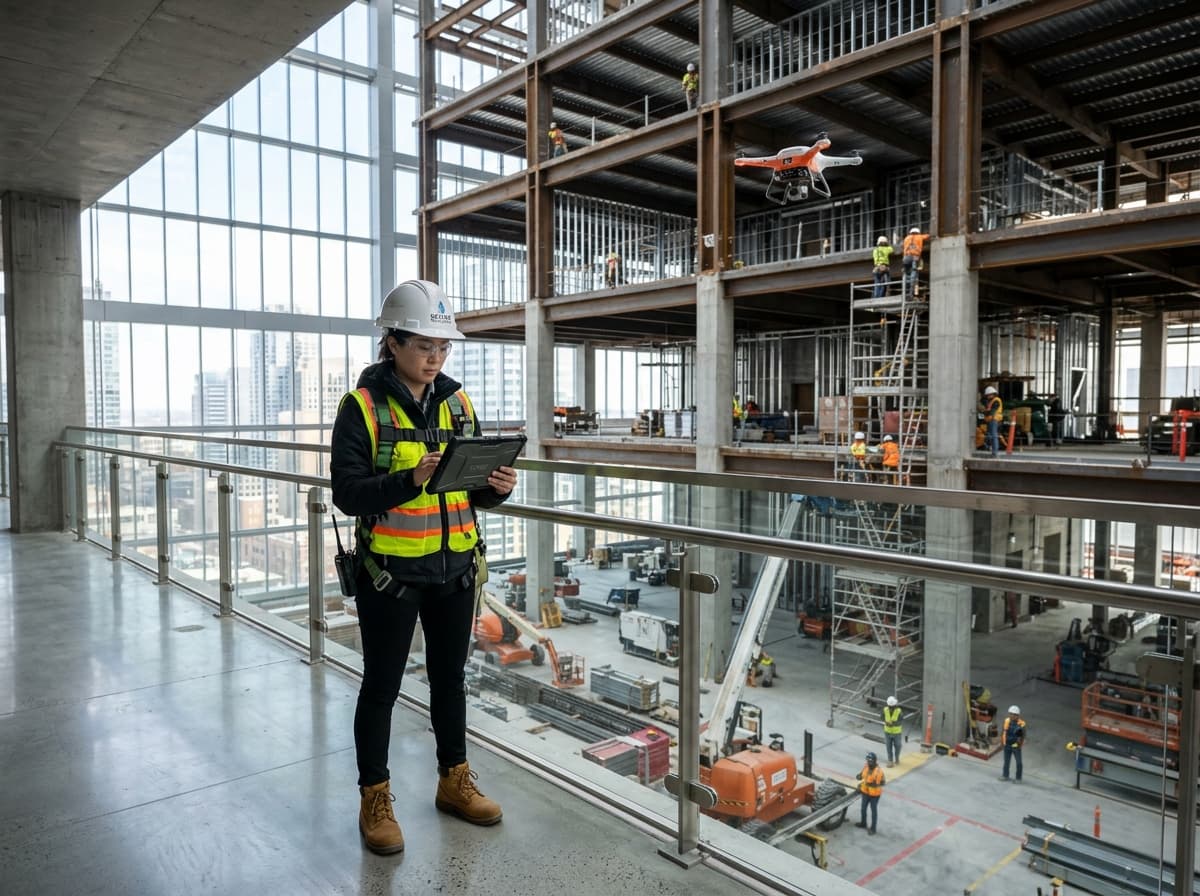
Civil engineer reviewing a tablet at an active construction siteConstruction

Site updates arrive late

Progress photos and daily reports scattered across chats make project status difficult to confirm.

Materials without clear tracking

Purchase requests, deliveries and site usage need a shared record to reveal shortages or duplicate orders.

Costs reviewed after the fact

Disconnected estimates, purchase orders and expenses delay a useful view of project spending.

Approvals that hold up work

Unclear ownership of requests and changes makes it harder to keep decisions moving.

Our Solutions

Practical Tools for Every Project Stage

01 / 05

Construction Project Management

Organise milestones, responsibilities and project documents in a workspace aligned with your delivery process.

Key features

  • Project milestones
  • Task ownership
  • Drawing & document records
  • Approval workflows
02 / 05

Material & Inventory Tracking

Follow material requests, purchases and deliveries across stores and project sites.

Key features

  • Material requisitions
  • Purchase orders
  • Delivery records
  • Site stock & usage
03 / 05

Contractor & Workforce Management

Coordinate contractors, site assignments and attendance records with clear responsibilities.

Key features

  • Contractor profiles
  • Site assignments
  • Attendance records
  • Work allocation
04 / 05

Budgeting & Cost Estimation

Organise estimates and committed costs so project teams can review changes against agreed budgets.

Key features

  • Project estimates
  • Budget allocations
  • Expense tracking
  • Variation approvals
05 / 05

Site Progress & Reporting

Capture structured site updates and present relevant project information to office teams and managers.

Key features

  • Daily site reports
  • Progress photographs
  • Issue registers
  • Project dashboards

Business Benefits

Better Visibility From First Plan to Final Handover.

  1. 01

    Share a clearer project picture

    Bring site progress, pending work and project records into one view.

  2. 02

    Keep materials accountable

    Follow requests and deliveries through defined responsibilities.

  3. 03

    Review costs sooner

    Compare recorded expenses and commitments with project budgets.

  4. 04

    Make decisions easier to follow

    Record approvals, changes and ownership for better coordination.

Our Process

Designed Around Your Construction Workflow

  1. Step 01

    Review Your Operations

    Understand your project stages, site reporting, procurement and approval responsibilities.

  2. Step 02

    Define Requirements

    Agree on features, user permissions, data handling and integration requirements.

  3. Step 03

    Design and Develop

    Build interfaces and workflows suited to your team and customers.

  4. Step 04

    Test and Prepare

    Check site reporting, material requests, budget permissions and approval handovers before launch.

  5. Step 05

    Launch and Support

    Introduce the solution with team guidance and an agreed support plan.

Frequently Asked Questions

FAQ

Technology advisor ready to discuss your project

Prefer to Talk to Us Directly?

Talk to us about your construction workflows, existing systems and project requirements.

Call Us Now

Yes. Project-specific teams, budgets, documents and reports can be included, with a consolidated view for authorised managers.

Portfolio image 1
Portfolio image 2
Portfolio image 3
Portfolio image 4
Portfolio image 5
Portfolio image 6
Portfolio image 7
Portfolio image 8
Portfolio image 9
Portfolio image 10
Ready to Start?

Connect Your Site Teams and Your Office

Construction management software that connects site teams, project managers and office operations from planning through handover.